On this page
A project app can make you feel busy before you have done anything. Open the workspace, read the navigation, find the project, choose the view, close something that is in the way. By the time you reach the issue, the interface has already asked for several decisions.
I wanted Bisonflow's redesign to ask fewer of them.
The new workspace is darker, denser where that helps, and more deliberate about where controls live. Those are visible changes. The more useful change is how the app explains where you are and what you can do next.
Make the current scope obvious
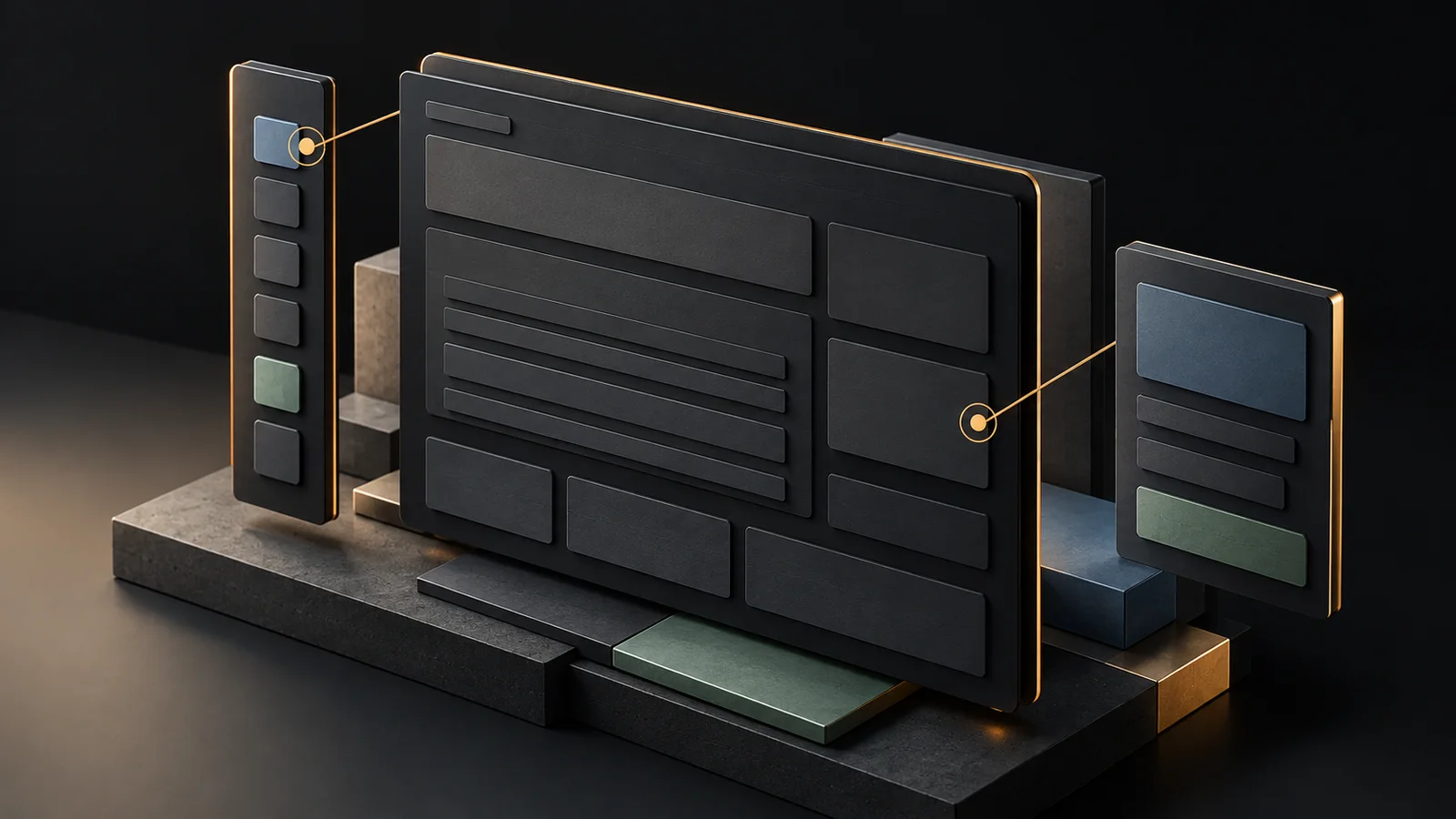
An issue belongs to a project. A person may also need to see work across the workspace. Both are legitimate views, and switching between them should not leave you wondering which one you are editing.
The redesign makes that scope part of the workspace navigation. The same idea carries through to the timeline. Project Timeline and workspace Roadmap share the same planning canvas, while their scope stays visible.
I care about that distinction because a large canvas can be deceptive. If the project selector or the exit control disappears when you expand it, the view may look impressive while becoming harder to operate. More room is only useful if you can still orient yourself.
Week view is the starting point. You can change scale when the question needs it. A short planning horizon is a better default for looking at active work than a wall of tiny bars stretched across several months.
Reuse should make the product easier to learn
Issues and documents have different content, but they don't need unrelated toolbars. Familiar controls reduce the amount of interface you have to relearn as you move.
I pushed shared controls into the places that actually repeat. The benefit is consistency in ordinary behavior: where search lives, how selection works, how a menu opens, what an action looks like when it is unavailable.
I also removed pieces that no longer earned their place. The old dedicated voice panel is gone from the new client. Voice remains an input method in Agent, where the conversation and its result can stay together. A separate panel was another destination to maintain.
Documents received a less visible change. The title and content have distinct responsibilities, and editing uses an exclusive lease rather than presenting a coediting experience the new client doesn't support. If somebody else is editing, the interface should say so. A calm design still has to tell the truth about concurrency.
Milestones don't all need to be software versions
A customer delivery, a design review, and a software release can all be milestones. Requiring a version number for every one makes the software team's convention everyone's problem.
Milestones now have an optional version. A generic checkpoint can stay generic. A release can carry its version when that helps.
Delivery is a meaningful action. A milestone needs assigned work, and the assigned issues must be completed before it can be delivered. Canceled work should not inflate completion. This is a small example of the design reaching into the domain rules rather than stopping at spacing and color.
A phone has a different job
On a desktop, comparing several rows or reading a timeline across a wide canvas is reasonable. On a phone, I am more likely to capture something, inspect an issue, check a date, or make a short update.
Shrinking the desktop until it fits doesn't make those tasks pleasant. The new phone navigation and workspace layouts give them their own geometry. Density preferences are separate for phone and desktop because the compromise I choose at my desk need not follow me everywhere.
Text size remains a separate preference. Smaller gaps and smaller text are different decisions. A compact interface should not require good eyesight.
Testing on real devices and over longer sessions is still ahead. A responsive screenshot is evidence about a layout, not proof that the product feels right in someone's hand.
The demo should let you judge this yourself
I prefer a working sample to another paragraph calling the redesign intuitive. The interactive demo uses sample data and stays read-only. It lets you inspect the layout without creating a workspace or trusting a promotional screenshot.
Try moving between a project, its issues, and the timeline. Then narrow the window. The useful question is whether the next action stays easy to find while the work keeps enough room.
If that fails, the color palette doesn't rescue it. That is the standard I want the 2.0 interface held to.